YN 마케팅 솔루션
First-time user guide
It is okay if you are not comfortable with computers. Just follow the steps in order.
3분 영상으로 먼저 보기
메인 화면부터 주요 기능까지, 실제 작업물을 화면으로 보여드립니다.
First time here? Just follow the steps below, and 3 minutes is enough.
You can switch to your language using the language selector at the top right.
- 1
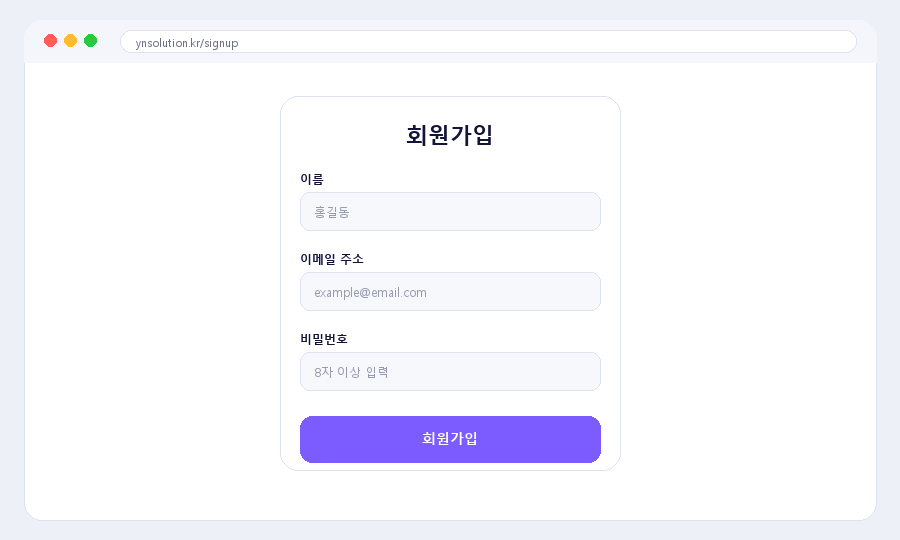
Sign up
All you need is an email address and password. It is not difficult. Click 'Sign Up' at the top of the screen to proceed.
- 2
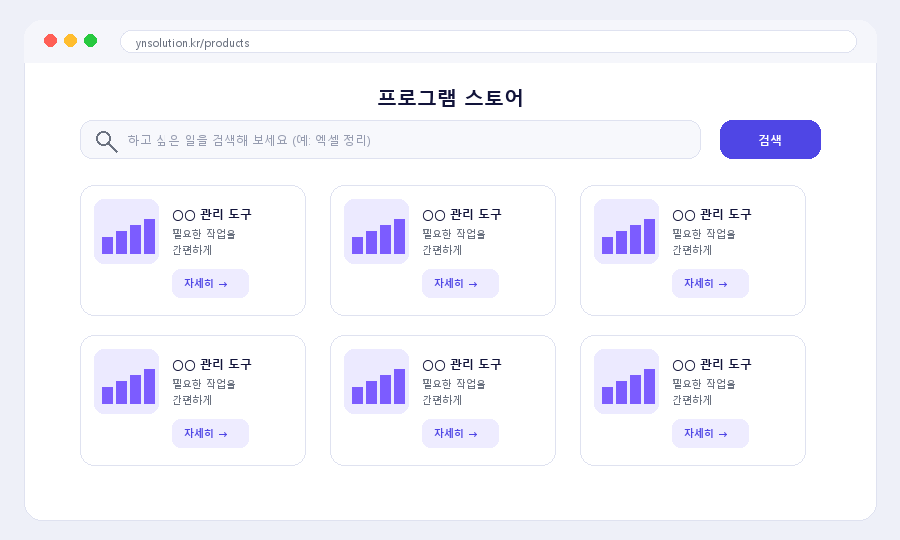
Choose the program you want
Enter what you want to do in the search box (for example, organizing Excel or sending text notices), or browse with the category buttons. On each product page, you can see what it does with images.
- 3
Try it free first
'Free programs' can be downloaded and used immediately without payment. If you like them, you can purchase other paid programs.
- 4
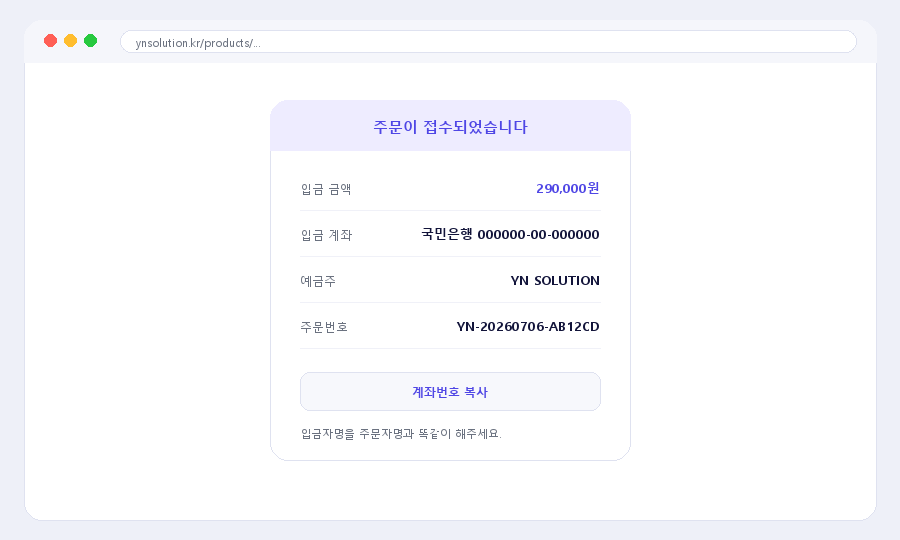
Make a purchase (deposit)
For paid products, click 'Purchase Request' and deposit the amount to the account shown on the screen. Please make the depositor name exactly the same as the orderer's name.
- 5
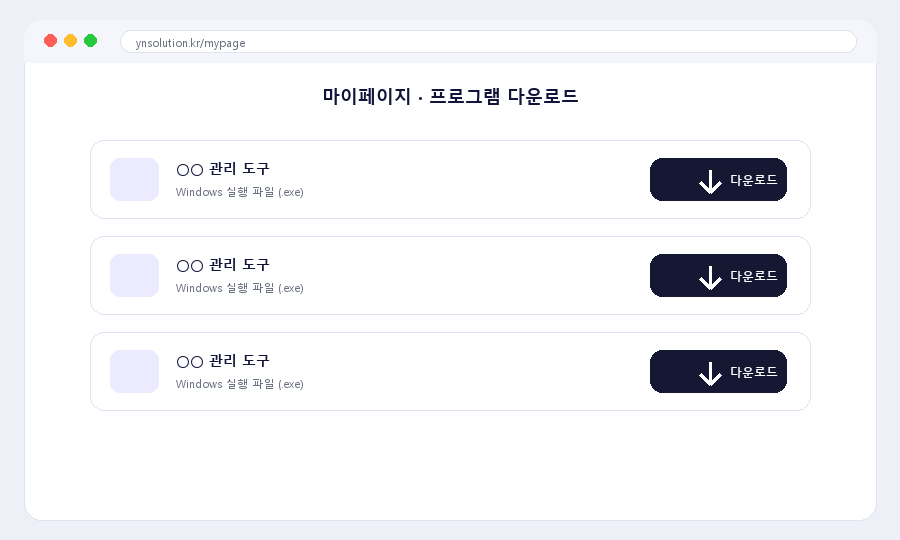
Download the program
Once the deposit is confirmed, the 'Download' button opens in 'My Page'. Press that button to save the program file.
- 6
Run the program
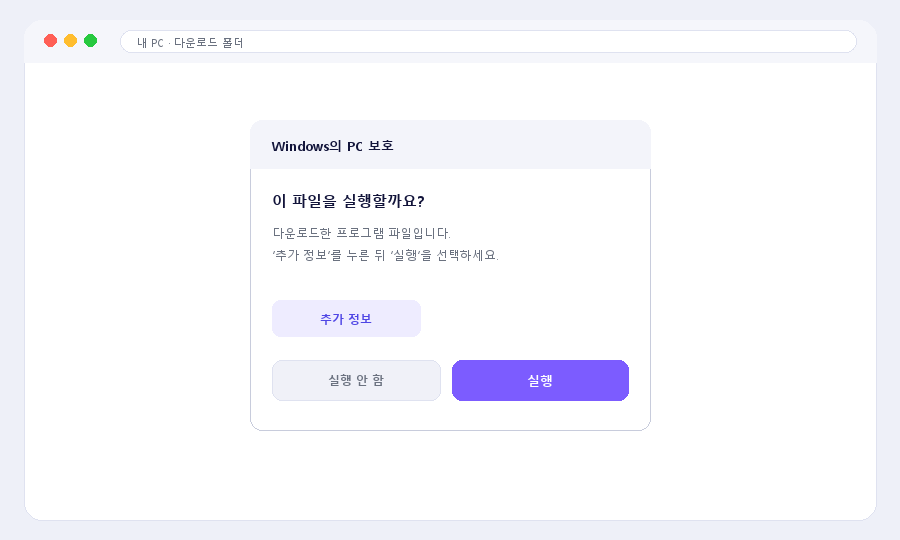
Double-click the downloaded file with your mouse to run it. If a security notice appears on Windows, choose 'More info → Run'; on macOS, run it with 'Control-click → Open'.
- 7
We help if it is difficult
If it is difficult to do alone, contact us on KakaoTalk. We will help with installation and use while viewing your screen remotely.
Difficult words, explained simply
- License
- It is the 'usage permission' that lets you use the program officially. It is issued automatically when you purchase.
- License key
- It is the number that verifies your usage permission. You can see it in My Page.
- EXE file
- It is a program file that runs by double-clicking on Windows.
- Bank transfer
- This is a method of sending money to the account provided. You can transfer it through a banking app or at a branch.
- Remote support
- This is a service where a staff member helps while viewing your screen over the internet. No one needs to visit in person.
Try it for free first
카카오톡 ID mhna98
평일 10:00 – 18:00 (주말·공휴일 휴무) · 천천히 안내해 드릴게요.